



 N/A
(0 reviews)
N/A
(0 reviews)
- Direct payment (XMR)


🔐 Private Monero Node Access
Description
Run your Monero transactions with added privacy and reliability using a dedicated remote node hosted by me.
For around three bucks, you will get a Clearnet AND a TOR Node addresses and a piece of mind. The main attack by blockchain surveillance companies is still deploying spy nodes and I give you a piece of mind against it. Should you trust me? You should not trust anyone at this age and time, but it is still better than connecting to a random unknown node. Plus you will be helping me to run this node for the entire Monero community.
This node is designed for users who want a dependable connection to the Monero network without relying on public nodes that may be overloaded, monitored, or inconsistently available.
🌐 Node Details
Once purchased, you will receive a secure node address to connect your wallet.
🔒 Privacy & Operation
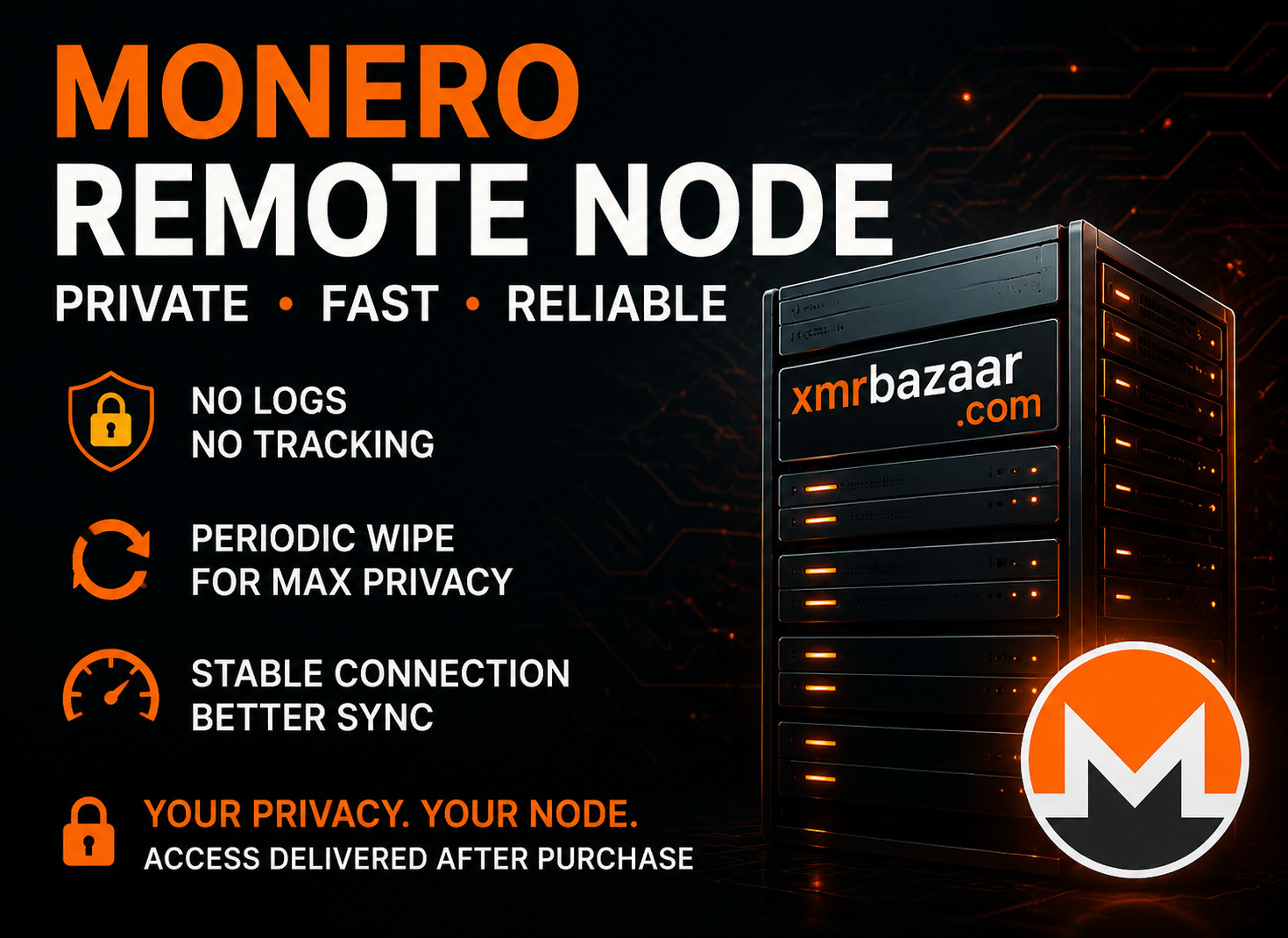
No connection logs are stored
No user tracking or analytics
Designed to minimize metadata exposure during network synchronization
Hosted in a privacy-focused environment
To maintain operational security and long-term integrity, the host system is periodically wiped and fully rebuilt. During this maintenance window, the node will be unavailable for approximately 3–4 days. This is intentional and ensures the system remains clean, updated, and free of persistent data.
⚡ Why use this node?
Using a dedicated remote node can improve:
Connection reliability
Privacy compared to random public nodes
Network stability during wallet sync and transactions
🧭 How to Connect (Monero GUI Wallet)
Using Monero GUI Wallet:
Open your Monero GUI Wallet
Go to Settings → Node
Select Remote Node
Enter the node address provided after purchase
(Optional) Enter the port if specified
Click Connect
Wait for synchronization status to update
To verify:
The status bar should show “Connected” to your custom node
Your wallet should begin syncing through the remote node
🧭 How to Connect (Feather Wallet)
Using Feather Wallet:
Open Feather Wallet
Go to Settings
Navigate to Node Settings
Select Custom Remote Node
Enter the node address and port provided
Save settings
Restart or refresh the wallet connection if needed
To verify:
Check the bottom status bar for “Connected”
Confirm blockchain sync begins via the custom node
After purchasing, you will automatically be able to download Node_address.txt (249 bytes).
Category: Other
Tags: node, privacy, anti-surveillance
Trust rating: Caution
Published on: July 2, 2026
Views: 28
Legal Notice: Buyers and sellers are responsible for complying with all applicable laws in their jurisdictions. XmrBazaar does not verify legality and assumes no liability. Peer-to-peer cash-for-crypto trades are permitted if not conducted as a business and are compliant with local laws; otherwise, sellers must hold any required licenses or registrations. Listings involving fraud, violence, child exploitation, or other clearly illegal goods or services are strictly prohibited and will be removed once identified. Users are encouraged to report unlawful listings.
About the trader
Monero lover
N/A
-----BEGIN PGP PUBLIC KEY BLOCK-----

mDMEAAAAABYJKwYBBAHaRw8BAQdAMbR3yEDK8XsBBV33vcynMDNjc8ixafQTp+Lw
do+m6f+0FkF1Z3VzdHVzQHhtcmJhemFhci5jb22IlAQTFgoAPBYhBHsbNGJR7tZj
MoHQOv+WKewx3jmZBQIAAAAAAhsDBQsJCAcCAyICAQYVCgkICwIEFgIDAQIeBwIX
gAAKCRD/linsMd45mdfrAP0QybsjQjOrY3Iwire3p9damNyfa8ajRRXF0SJJXYON
ygD/RZxqa0qnGz4wtBKSXstyloLzehhl1NkqVBwlDwa1PgS4OAQAAAAAEgorBgEE
AZdVAQUBAQdAMuCNDHldJXEBYWq5Dwmli6/0M90SuWuiQJq8/D67bCwDAQgHiHgE
GBYKACAWIQR7GzRiUe7WYzKB0Dr/linsMd45mQUCAAAAAAIbDAAKCRD/linsMd45
mafaAQCv4CYmHTw1N/T38x94pbS/qxlfUuIkrA43CnDp0/1lUQEAiWKv4aiTCeKh
OrBy8JwENkg1xbqLTrL6a6Q9c5xAUwU=
=zV9u
-----END PGP PUBLIC KEY BLOCK-----